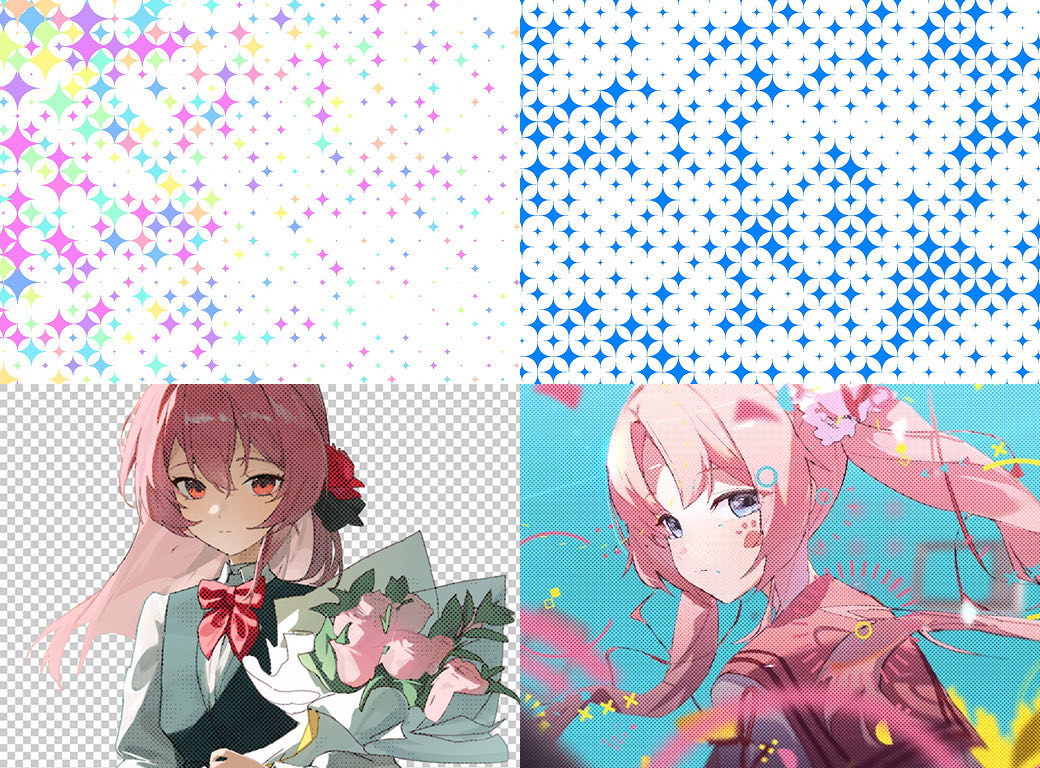
Turns a layer into a halftone grid pattern, like manga or pop-art dots or an LED sign. The dots can scroll or shake, so it also works as a moving background.
Choose from Circle, Square, Diamond, Line, and Sparkle, or use Custom Layer to stamp any layer you like as the halftone dots.
02
A moving dot grid
With Scroll Mode in Motion, the dots flow along rows or columns. Position Jitter, Scale Jitter, Rotation Jitter, and Cell Rotation in Pattern break up the grid, and turning on Turbulent makes the whole grid ripple.
03
6 Color Modes
Comes with 6 Color Modes (Monochrome, Source Color, RGB Screens, CMYK Screens, Duotone, Random Gradient), 12 Duotone presets, and per-channel screen angles.
04
Tile Background
Tile Background lays down a checkerboard, stripes, or 4 texture layers to build a grid UI or an LED sign screen.
Quick start
Follow these steps in order the first time.
Apply Effect › TMC › TMC Halftone to a layer or an adjustment layer.
Choose the dot shape in Shape, and set up the grid with Cell Size and Angle.
In Color Mode, pick a look: black-and-white manga, source color, CMYK print, or duotone.
For movement, set Scroll Mode in Motion to Rows or Columns, and turn on Turbulent in Pattern.
Parameter guide
Listed in the same order as the Effect Controls panel.
Effect Controls · TMC HalftoneClick a group to expand it
Pattern26
Shape
CircleSquareDiamondLineSparkleCustom Layer
Custom Shape Layer
Shape Source
AlphaLuminance
Shape Invert
Cell Size
Dot Spacing
Distance between dot centers in px (dot size is set by Cell Size)
Angle
Offset
Position Jitter
The amount of random variation in each element's position
Scale Jitter
The amount of random variation in each element's size
Rotation Jitter
The amount of random variation in each element's rotation
Flicker
How much the brightness flickers irregularly
Flicker Speed
How fast the flicker changes
Turbulent
Turbulent Noise Type
SmoothAngular
Turbulent Amount
Turbulent Scale
Turbulent Complexity
Turbulent Evolution
Turbulent Offset X
Turbulent Offset Y
Skip Pattern
How cells are skipped in a regular pattern to make sparser dots
NoneCheckerboardSkip RowsSkip Columns
Cell Rotation
NoneFixedAlternateSequenceRandom 90
Cell Rotation Angle
Row Stagger
Shifts every other row sideways for a staggered, brick-like layout (shifts columns vertically when Scroll Mode is Columns)
Random Seed
Changes the random pattern. The same value always gives the same result.
Motion4
Scroll Mode
Whether the dots scroll by row or by column
OffRowsColumns
Scroll Direction
UniformAlternateRandom Flip
Scroll Speed
Scroll Phase
Tone5
Tone Source
LuminanceAlphaRedGreenBlue
Contrast
Min Dot
Minimum dot diameter that remains even in the brightest areas