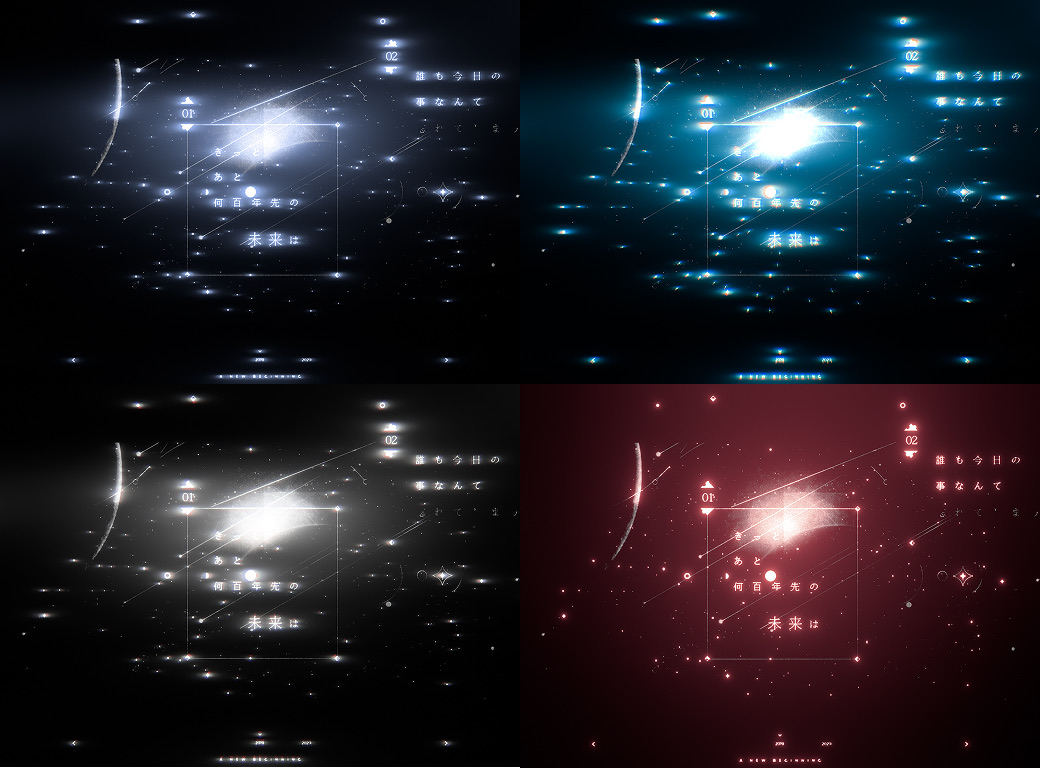
Creates optical bloom, with light spilling out of bright areas. Bloom, Anamorphic, Streak, Star, Diffusion, and Halation are usually split across separate plugins, but in TMC Glow you can use them all in one effect.
Turn Bloom, Anamorphic, Streak, Star, Diffusion, and Halation on and off in one effect. There's no need to stack them separately, so your effect stack stays light.
02
5 looks in Glow Preset
Pick a starting point from Punch, Natural, Neon, Anamorphic, or Dreamy in Glow Preset, then fine-tune just a few values.
03
Flickering light without keyframes
Pulse Rate (Hz) and Strobe Rate (Hz) in Flicker & Pulse make the light flicker on its own, and Shimmer Loop (frames) in Streaks / Star lets you render the sparkle as a looping element.
04
Lens dirt and image-shaped bokeh
Assign any layer to Lens Dirt Layer or Iris Layer to use it as a dust texture or as bokeh in the shape of that image.
Quick start
Follow these steps in order the first time.
Apply Effect › TMC › TMC Glow to the layer you want to glow, or to an adjustment layer.
Pick the closest look in Glow Preset. Neon is a good starting point for neon signs, Anamorphic for cinematic horizontal streaks, and Dreamy for soft, hazy light.
Use Threshold to set how bright an area must be to glow, and adjust the size and strength of the spread with Size and Intensity.
If you need streaks, set Sparkle Mode in Streaks / Star to Anamorphic, Cross, or Star.
Set the color of the light with Tint Mode in Color, and if you want it to twinkle, raise Pulse Rate (Hz) or Flicker in Flicker & Pulse.
Parameter guide
Listed in the same order as the Effect Controls panel.
Effect Controls · TMC GlowClick a group to expand it
Basic parameters11
Glow Preset
5 presets
Input Channel
Max RGBLuminanceLightnessRedGreenBlueAlphaChrominance
Threshold Mode
Veil (glow on everything)Highlights (soft knee)
Threshold
The level at which the effect starts to apply
Threshold Softness
Highlight Clamp
How strongly the emitted light is evened out so clustered highlights don't glow too hard (stronger as you raise it; default 5%)
Gamma
Size
Intensity
Falloff
How much the effect weakens with distance
Sharp Core
How much of the unblurred bright core to add back on top of the glow so it stays crisp
Streaks / Star16
Sparkle Mode
Which kind of sparkle to create: streaks, cross, or star
OffAnamorphicCrossStar
Streak Count
Streak Length
Rotation
Taper
How much the streaks thin out toward their ends
Streak Boost
Multiplier that boosts only the streak brightness
Hot-Pixel Clamp
Upper limit that clips a single extremely bright pixel so it doesn't dominate the streaks (lower values clip more)
Length Anisotropy
Difference in length between horizontal and vertical streaks (+ lengthens the horizontal ones, - the vertical ones; use + for the long horizontal streaks of anamorphic lenses)
Streak Color
Glow ColorSingle TintGradient
Streak Tint
Spectral Dispersion
How much the streaks split by wavelength and spread out like a rainbow
Shimmer
How much the streak brightness flickers subtly over time
Shimmer Speed
Shimmer Seed
Changes the shimmer pattern.
Shimmer Loop (frames)
Number of frames before the shimmer pattern returns to its start (0 = no loop)
Sparkle Composite
AddScreen
Color10
Tint Mode
SourceSingle TintDual TintGradientImage-Based
Color A / Tint
Color B (inner)
Gradient Preset
Chooses a ready-made gradient palette.
12 presets
Gradient Editor
An editor for building a gradient by adding, moving, and deleting color stops
Selected Stop Color
Sets the color of the color stop selected in the gradient editor.
Cycle Repetitions
Sets how many times the gradient repeats.
Phase
The angle that shifts the repeating gradient (360 degrees = one full cycle)
Color Strength
Saturation
Anamorphic2
Width
Height
Chromatic Aberration6
Mode
OffRGB RadiusSpectral (Passes)
Amount
Spread
Angle
Direction
Radial (from center)Linear (use Angle)
Passes
Number of passes used to composite the spectral chromatic aberration
Halation4
Halation Amount
Halation Tint
Halation Size
Halation Bias
Balance between brightness and the red channel as the source of the halation (toward + it forms in red areas, toward - in bright areas)
Tone3
Tone Map
ACES FilmicReinhardReinhard 2ClampOff
Preserve Hue
Working Space
The color space the effect is calculated in
AutosRGB (linearize)Linear (no convert)
Diffusion4
Amount
Size
Black Lift
How much the blacks are lifted for a hazy, film-like look
Warmth
Value that tilts the diffusion veil warmer or cooler (-100% to 100%)
Texture6
Lens Dirt Layer
Image layer multiplied over the glow to add smudges
Lens Dirt Amount
Iris Layer
Iris Amount
Noise
Grain Size
Flicker & Pulse8
Pulse Rate (Hz)
Pulse Depth
Pulse Wave
SineTriangleSquareSaw
Flicker
How much the brightness flickers irregularly
Flicker Speed
How fast the flicker changes
Flicker Seed
Changes the flicker pattern.
Strobe Rate (Hz)
Strobe Duty
Fraction of each cycle during which the glow is on
Shows an intermediate stage on screen instead of the final result. Set it back to Final when you're done adjusting.
FinalGlow OnlyThresholdStreaks OnlyHalation Only
Quality
Calculation quality. Higher values are smoother but render more slowly.
DraftNormalHighUltra
Extend Beyond Layer
Expands the output area so the glow isn't cut off at the layer edge
Extend Range
Strength
Practical tips
If the whole frame turns hazy, switch Threshold Mode to Highlights (soft knee) so only bright areas glow. Veil (glow on everything) lays a faint glow over the entire frame.
If a single extremely bright pixel makes a streak jump out, try lowering Hot-Pixel Clamp.
If the light is cut off at the layer edge, check that Extend Beyond Layer at the bottom of the effect is on, and if it still clips, raise Extend Range.
To make it flicker on the beat, try entering the song's BPM divided by 60 in Pulse Rate (Hz). At 120 BPM, that's 2 Hz.
Where to use it
A chorus highlight shot where a character's silhouette and neon signs burst with light
A cinematic title with anamorphic-style horizontal streaks running across it
A flashback scene softened with film halation and diffusion